Matte paper — 200 gsm
At 200 gsm, matte paper is the heavier of the two available paper choices.
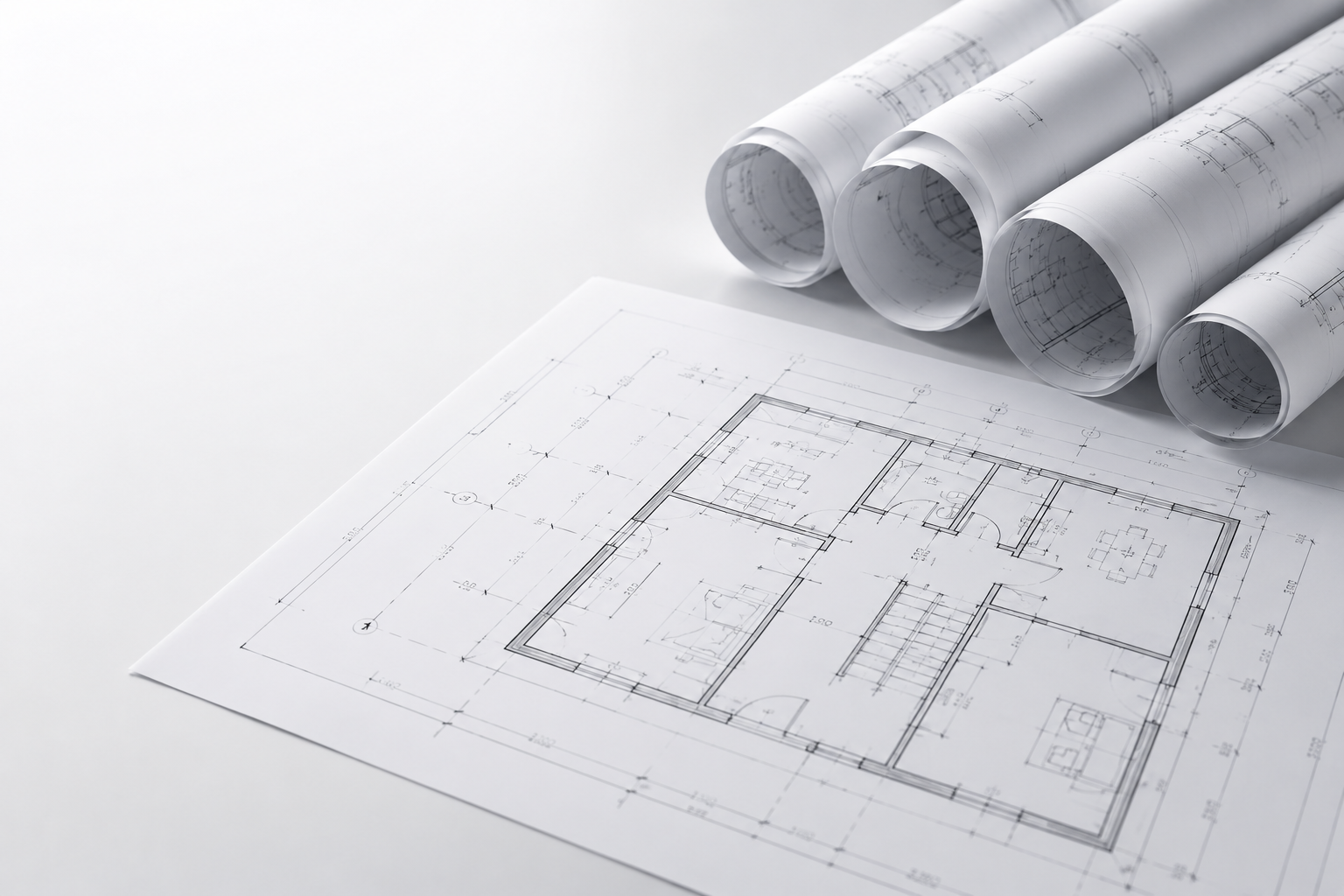
Print a construction drawing, floor plan or technical plan in A2, A1, A0, B1 or with custom dimensions. Set paper, artwork checking, delivery and production; the configurator recalculates price and timing.
Choose a fixed format when your file is prepared for it. For a custom size, enter width and height separately; both fields accept values from 100 through 450 mm.
The custom-dimension range applies only to those two input fields. The larger fixed A2, A1, A0 and B1 formats remain separate choices.
The construction-drawing configurator provides two paper choices. Compare the paper weight, then review the updated calculation.
At 200 gsm, matte paper is the heavier of the two available paper choices.
HVO paper is 90 gsm; selecting it makes the configurator apply a 10% price reduction.
Prefer a PDF prepared at the selected final size. Before uploading, check that its page size and orientation match your configuration. Artwork checking is off by default and can be selected as an additional check.
Choose collection or delivery by post. Standard and urgent production are recalculated; urgent adds 20%. The current deadline and ready schedule appear in the configurator.
Set the number of designs and copies.
Choose A2, A1, A0, B1 or enter two custom dimensions.
Compare 200 gsm matte with 90 gsm HVO and review the new price.
Leave the artwork check off or add the optional check.
Choose collection or post and compare standard with urgent before ordering.
The configurator offers A2 (420 × 594 mm), A1 (594 × 841 mm), A0 (841 × 1189 mm), B1 (707 × 1000 mm) and a custom size. Match the selected format and orientation to your file.
Choose between 200 gsm matte paper and 90 gsm HVO paper. Selecting 90 gsm HVO makes the configurator apply a 10% price reduction; review the updated price before ordering.
Choose custom size and enter width and height separately. Each field accepts 100 through 450 mm. This custom range is separate from the larger fixed A2, A1, A0 and B1 choices.
Yes. Artwork checking is off by default, but you can enable the optional check in the configurator. Prefer a PDF whose page size and orientation match your selection.
The configurator recalculates after changes to quantity, format, paper, checking, delivery and production. Choose collection or post and compare standard with urgent; urgent adds 20%. Use the current result rather than a fixed page promise.
Make your selections and use the price, deadline and ready schedule shown for your configuration.
Configure your drawingNeed help?
We aim to reply within one day.