Magazine printing for every publication
Print magazines in A6, A5, A4 or a custom size. Double-sided starts at 8 pages in steps of 4; single-sided at 4 in steps of 2. Choose five paper stocks and optional separate cover paper; the configurator adapts the binding limit, price and schedule to your choices.
Choose your magazines
10 options available. Open a page for specifications and the available order or contact route.
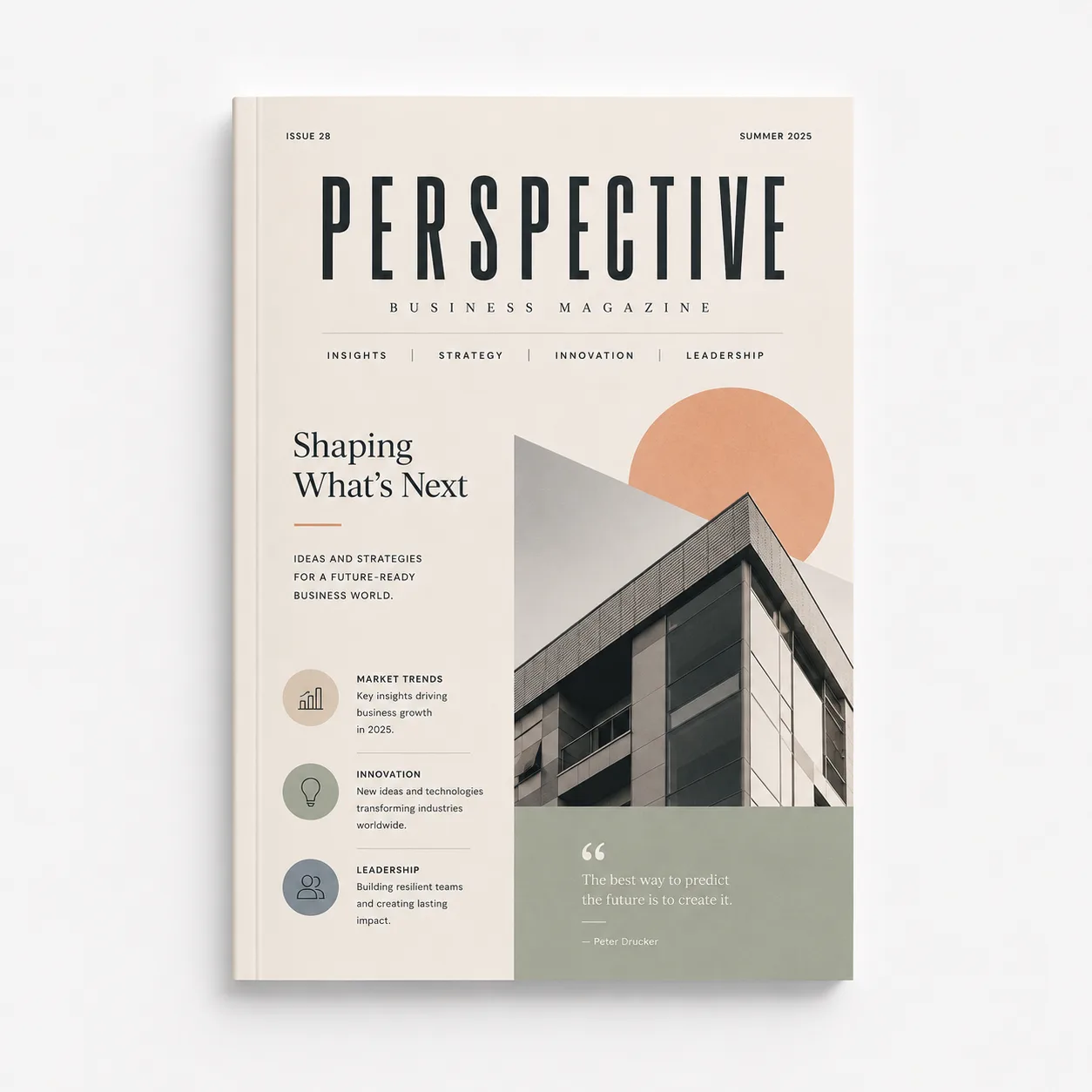
A company publication for customer stories, projects, interviews and news for clients or other external readers.
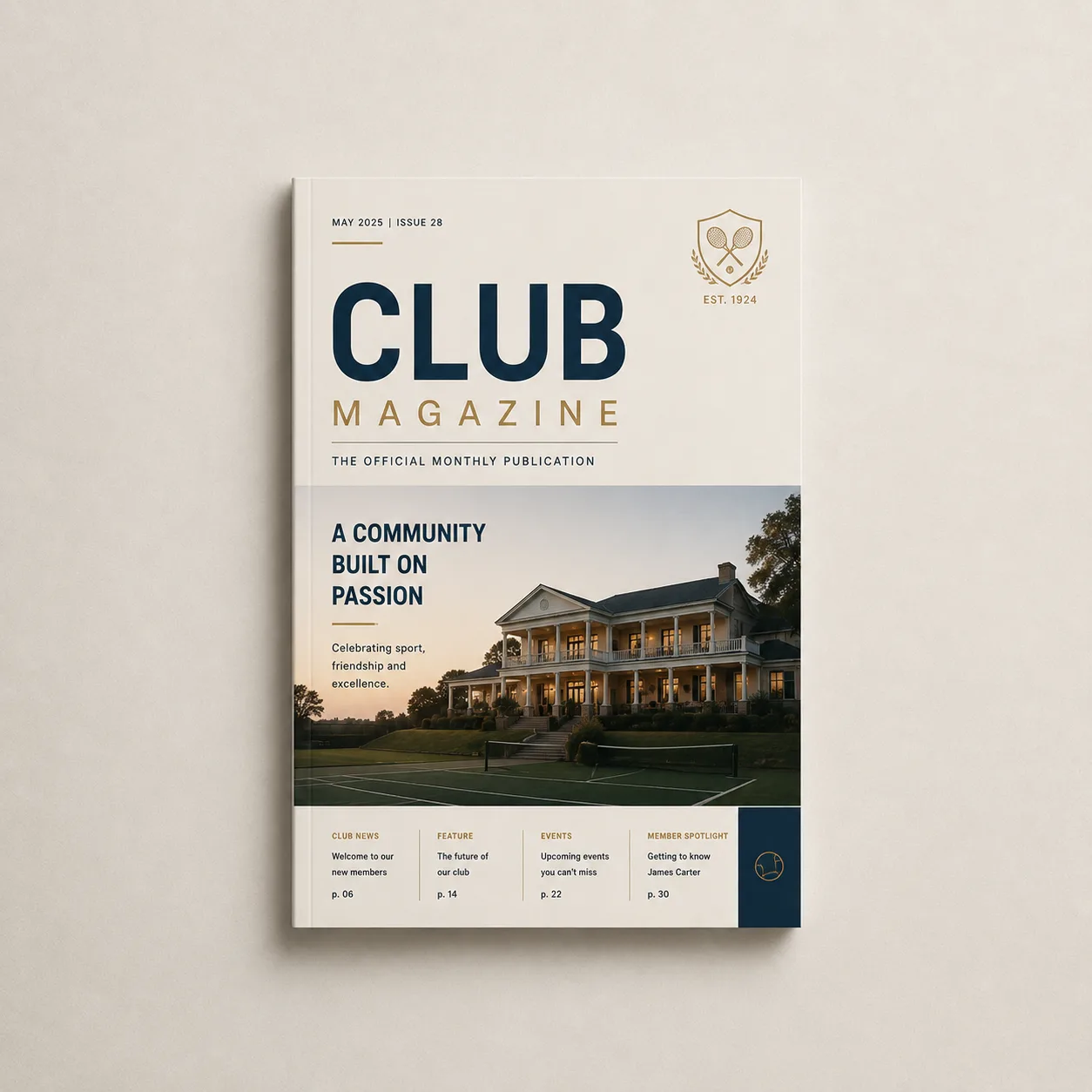
A member magazine for club news, interviews, match reports, calendars and contributions from members.
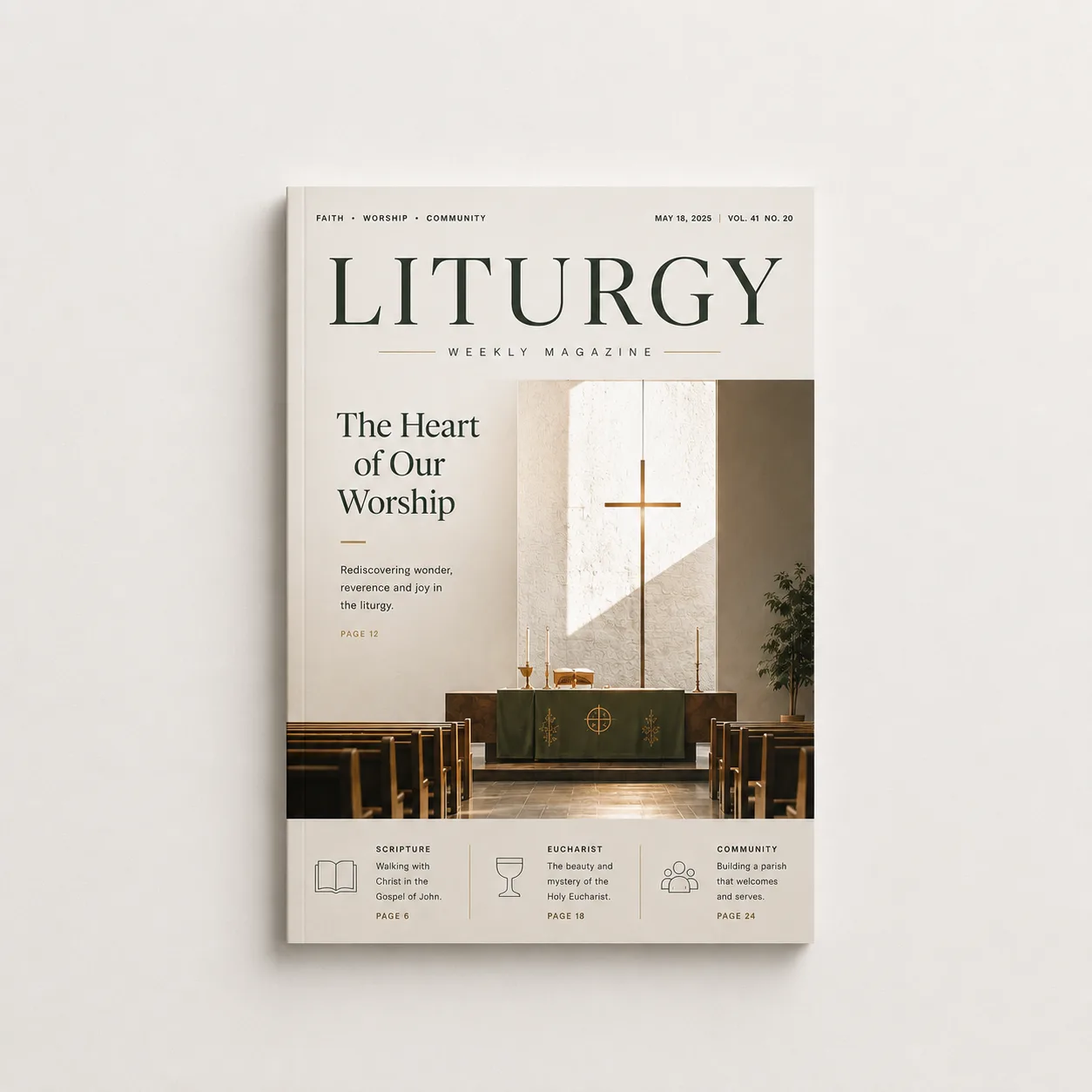
A stapled order-of-service booklet for the sequence of a service, readings, prayers, hymn texts and practical notes.
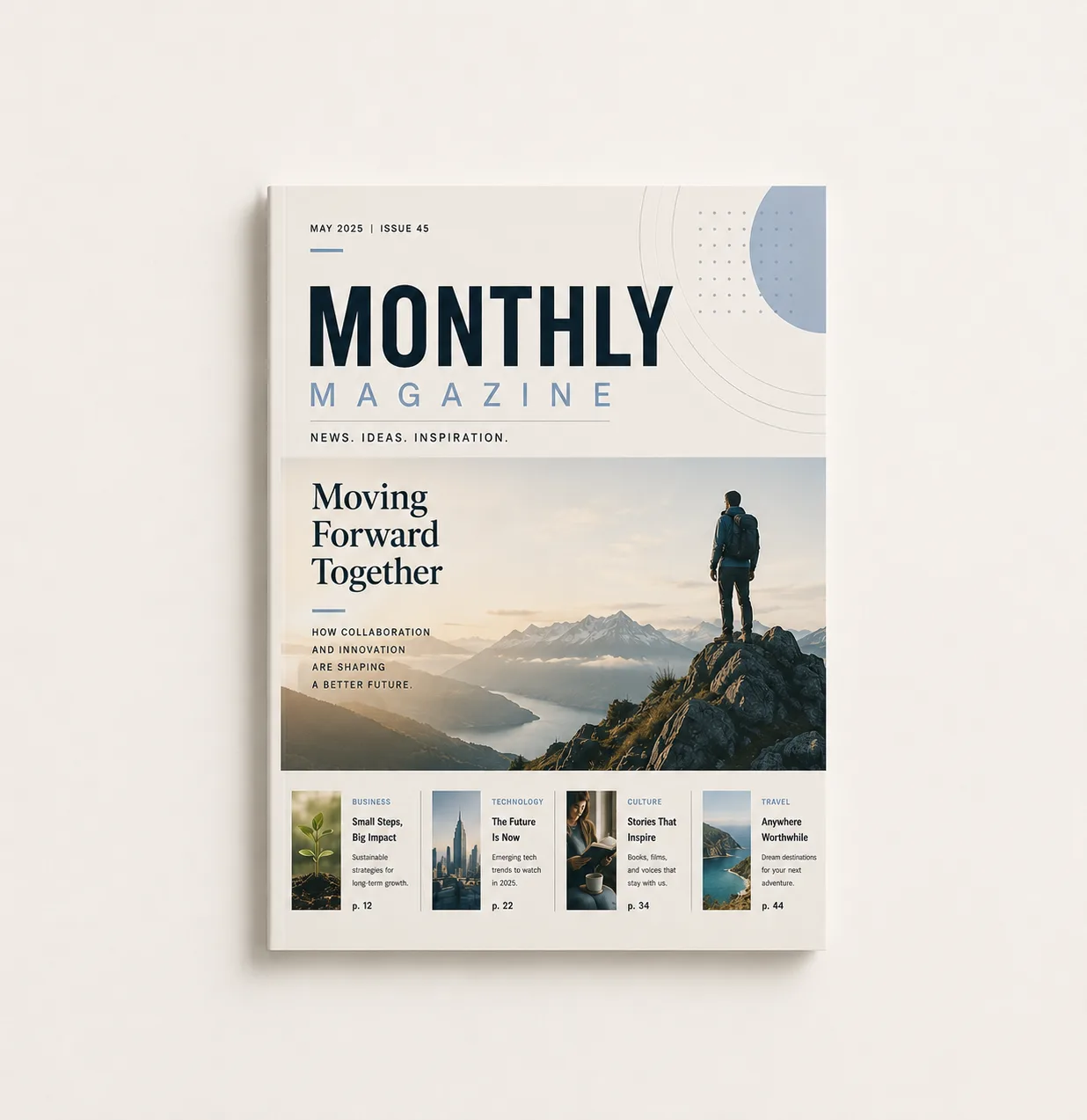
A monthly publication with recurring sections, news, interviews and room for topics that need more depth.
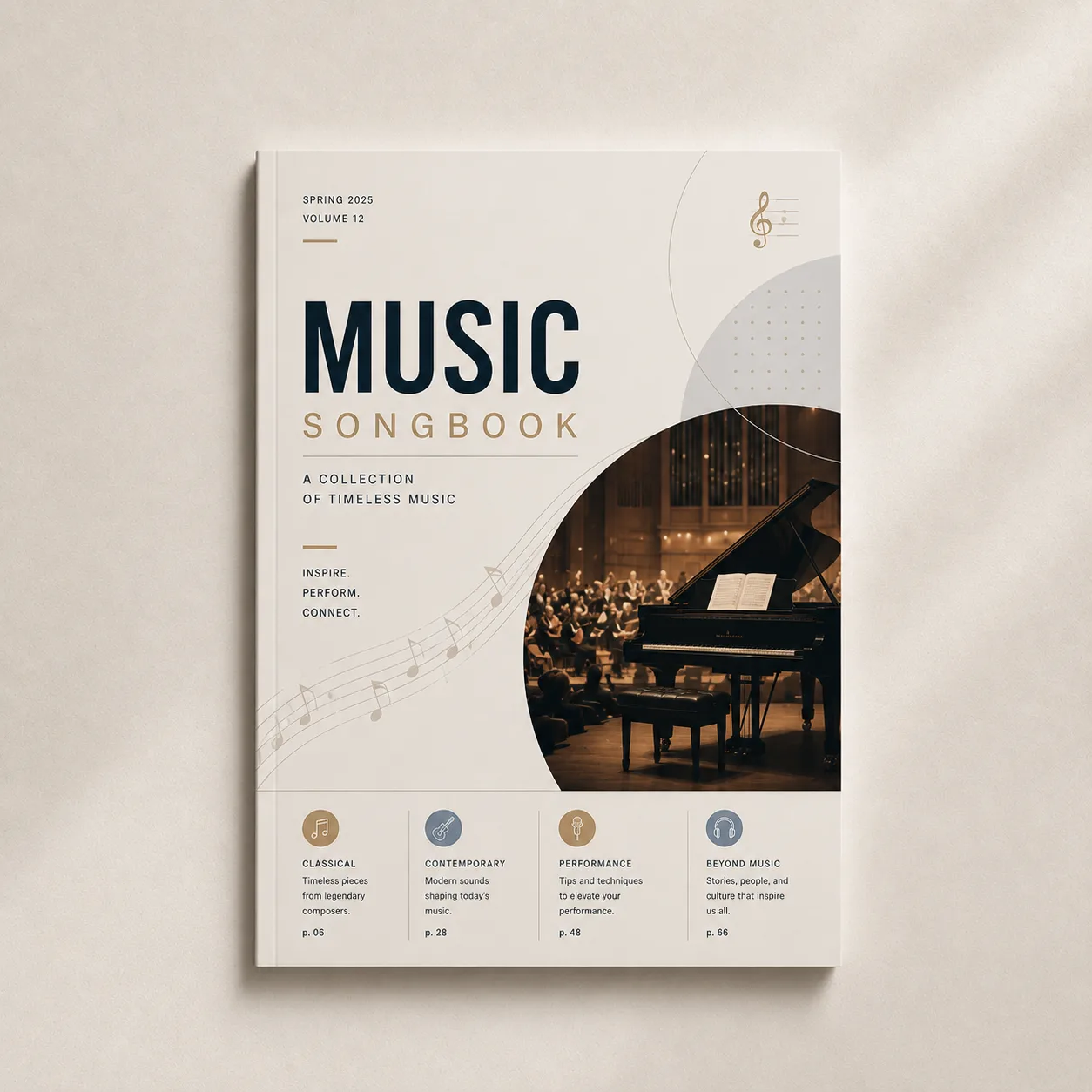
A stapled music booklet for scores, lyrics, rehearsal material or background information for a performance.
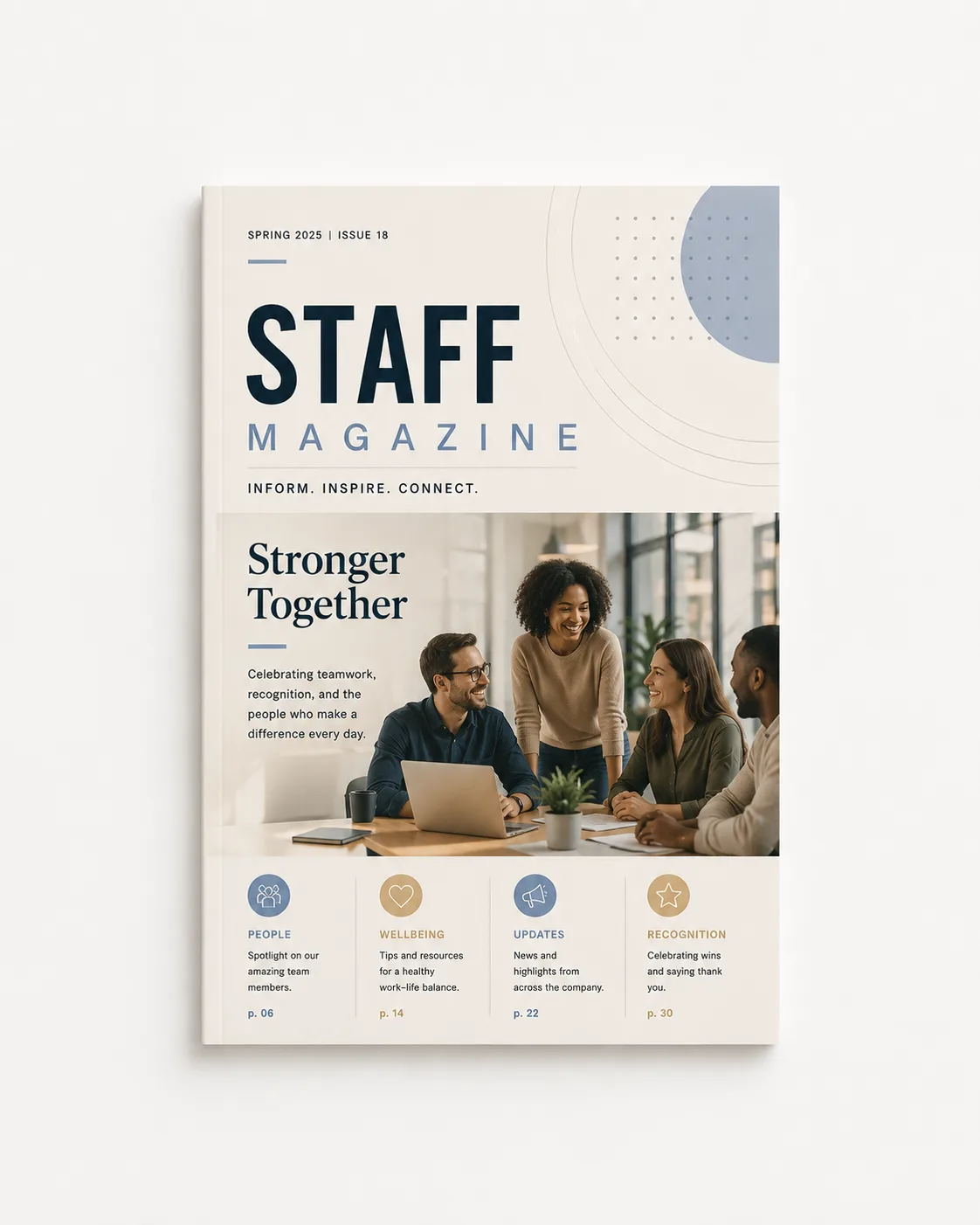
An internal magazine for employee news, team interviews, organisational changes, onboarding and company culture.

A programme book for schedules, performances, speakers, maps, sponsors and practical event information.
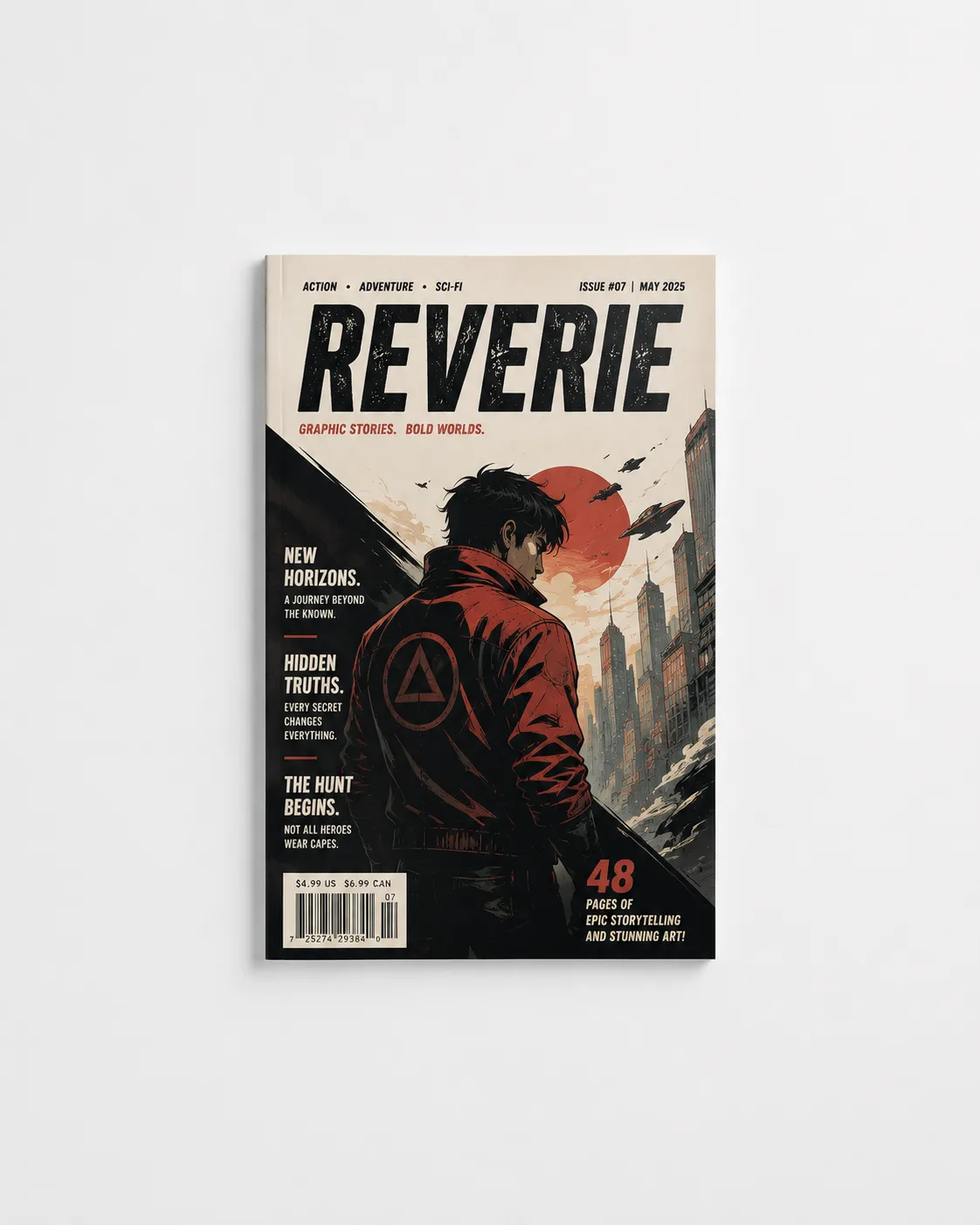
A short folded and stapled comic booklet for illustrations, zines, small runs and stories that fit within the selected binding limit.
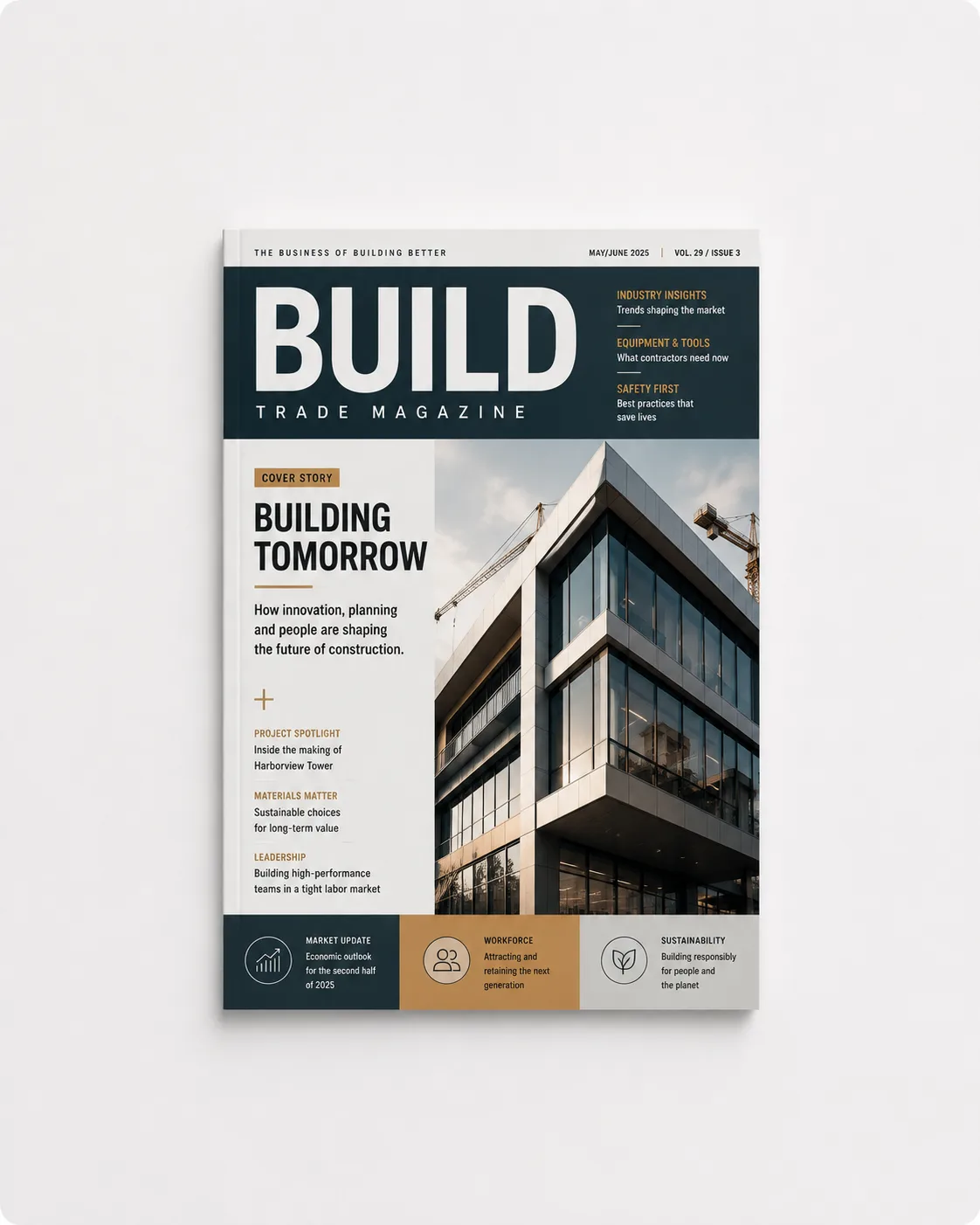
A professional publication for specialist articles, interviews, sector developments, case studies and advertisers.
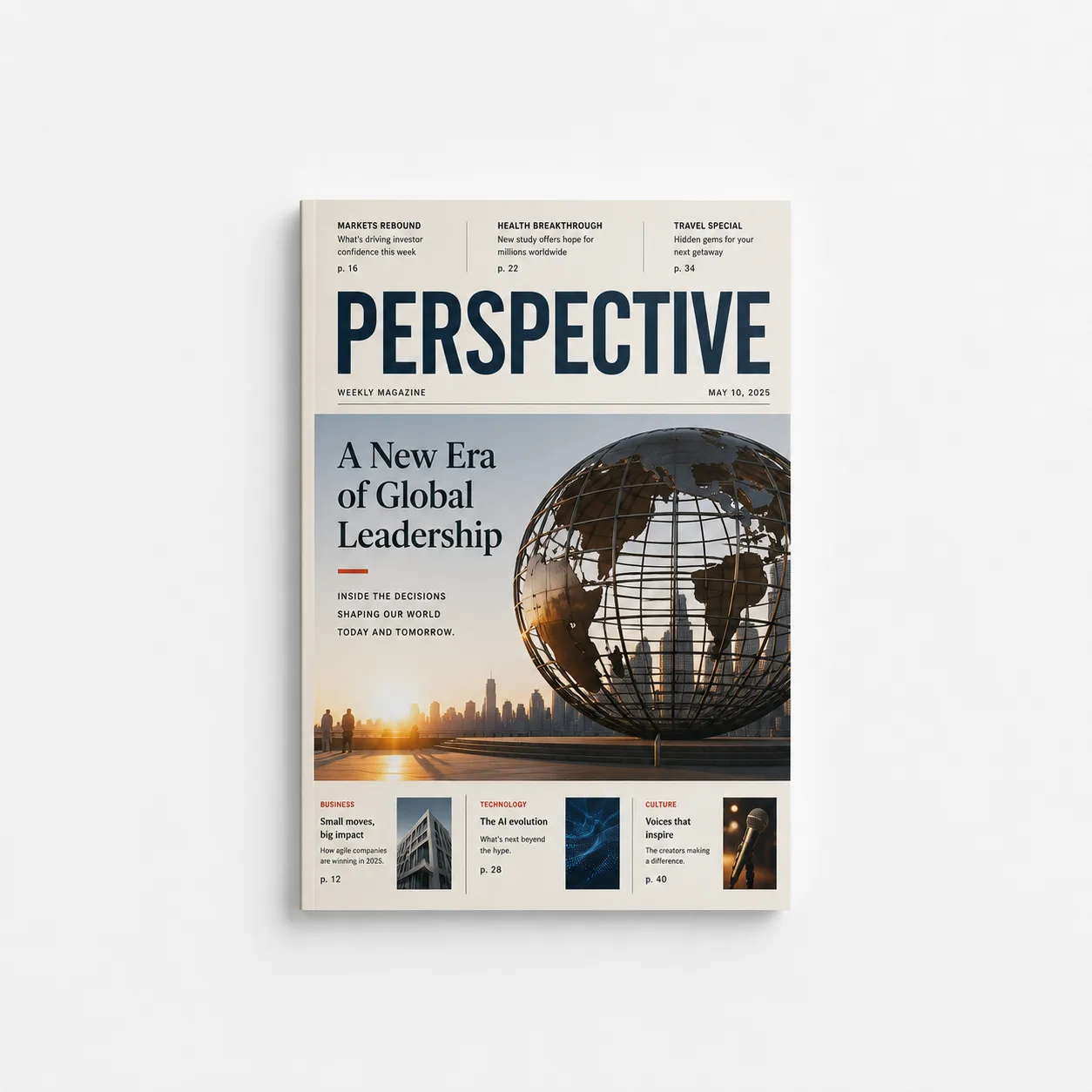
A weekly publication for short news items, calendars, recurring sections and current updates in a consistent layout.
Choose your magazine size
Choose compact A6, handy A5, spacious A4 or enter a custom width and height. The configurator checks which fold direction suits the selected size.
Magazine paper types
Choose 80, 100, 160, 170 or 250 gsm for the inside pages. Use the same stock for the cover or select separate 160 or 250 gsm cover paper.
Bright white paper for text, calendars and publications where a low weight matters.
A firm, readable standard choice for text, images and regular handling.
More body for shorter publications or as a separate cover stock.
Glossy off-white paper for photography, illustrations and a firmer magazine.
Very firm white paper for short publications that need extra body.
Supplying your magazine
Supply one PDF with single pages in reading order and check size, page count, bleed and important content.
4 to a maximum of 88 pages
Double-sided advances in steps of 4 and single-sided in steps of 2. The exact maximum depends on the thickness of the inside and cover stock and updates directly in the configurator.
Single PDF pages
Supply one PDF with single pages in reading order, not spreads. Check every page in the automatic preview.
Bleed and margin
Extend edge-to-edge artwork into the required bleed and keep text and logos at least 5 mm inside trim and fold lines.
Cover and backside
Choose matching or separate cover paper and whether the backside should be printed or left unprinted.
Frequently asked questions about magazine printing
Practical answers about materials, sizes, printing, artwork and scheduling.
Which magazine sizes can I choose?
Choose A6 (105 × 148 mm), A5 (148 × 210 mm), A4 (210 × 297 mm), or enter a custom width and height.
How many pages can my magazine have?
For double-sided printing, choose from 8 pages in steps of 4; for single-sided, from 4 pages in steps of 2. The exact maximum is up to 88 pages and depends on the selected inside and cover stock.
Which paper stocks are available?
For the inside pages, choose standard white 80 gsm, firm white 100 gsm, extra firm white 160 gsm, glossy off-white 170 gsm or very firm white 250 gsm.
Can I choose separate cover paper?
Yes. Use the same paper as the inside or choose 160 or 250 gsm cover paper. You can print or leave the backside unprinted.
Which colour and fold options are available?
Choose colour, cover only in colour or black and white, single- or double-sided printing and a fold along the long or short side where that combination is available.
How should I supply my magazine artwork?
Preferably supply one PDF with single pages in reading order, not spreads. Keep important content 5 mm inside trim and fold lines and preferably use 300 DPI and CMYK.
Production and delivery
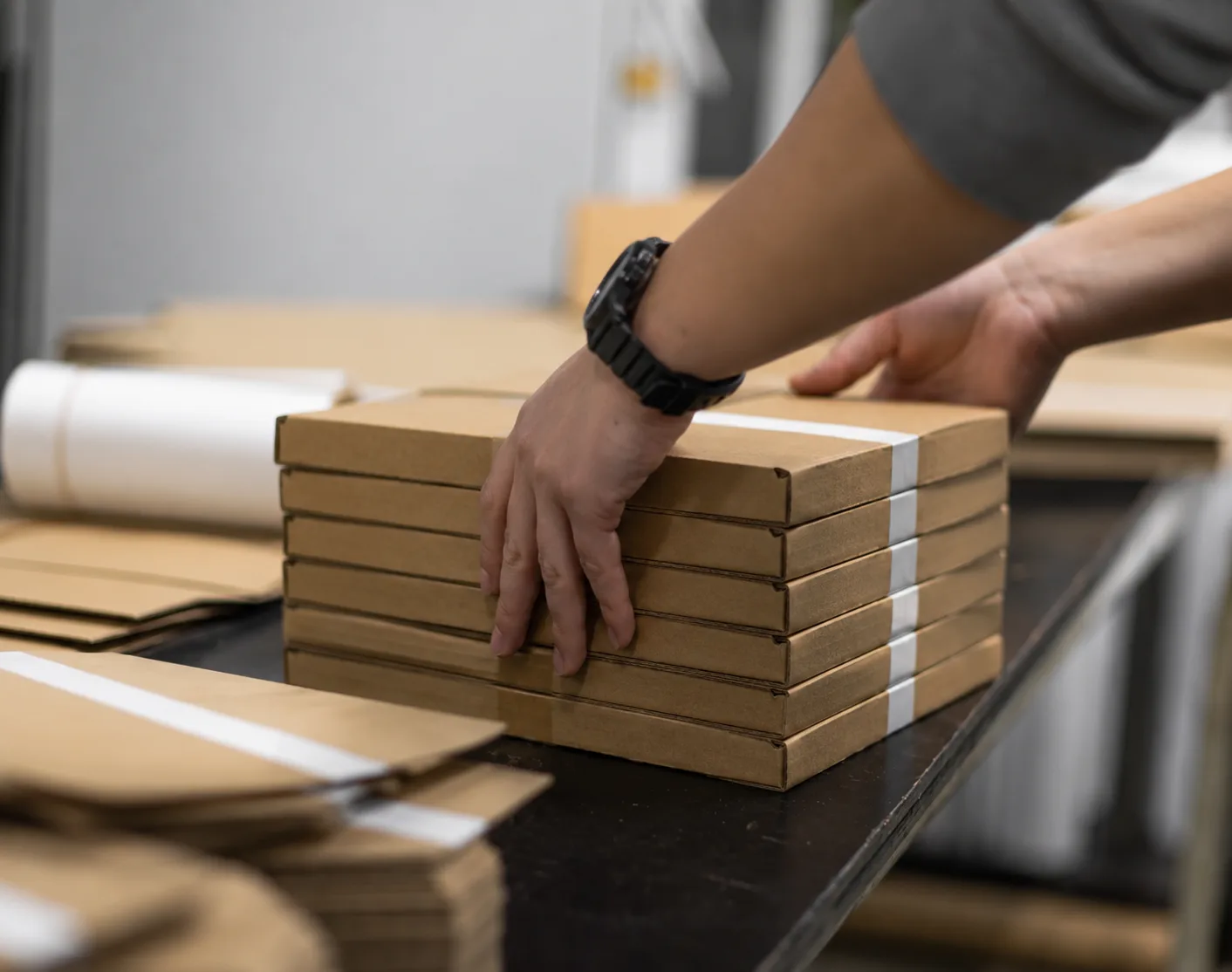
Quantity, size, page count, inside paper, cover, print sides, fold direction, document checking and delivery together determine the schedule.
Standard production
Choose standard production when the regular schedule suits you. The configurator shows the current price and expected ready or dispatch date.
Priority when available
If priority production is available for your selected magazine, the configurator shows the option with its current schedule and price.
Check the calculated date for pickup in Almere or postal delivery before ordering.
Order nowReady to order?
Choose a magazine type first or open the general configurator. Your current price and schedule appear after your selections.
Configure your magazines