Choosing paper for professional business cards
The current configurator offers two paper stocks. Natural card (white 300 g) has a calm, natural appearance. Card (slightly glossy, white 350 g) is a little heavier with a subtle sheen. The better fit depends on your design and how the card will be used.
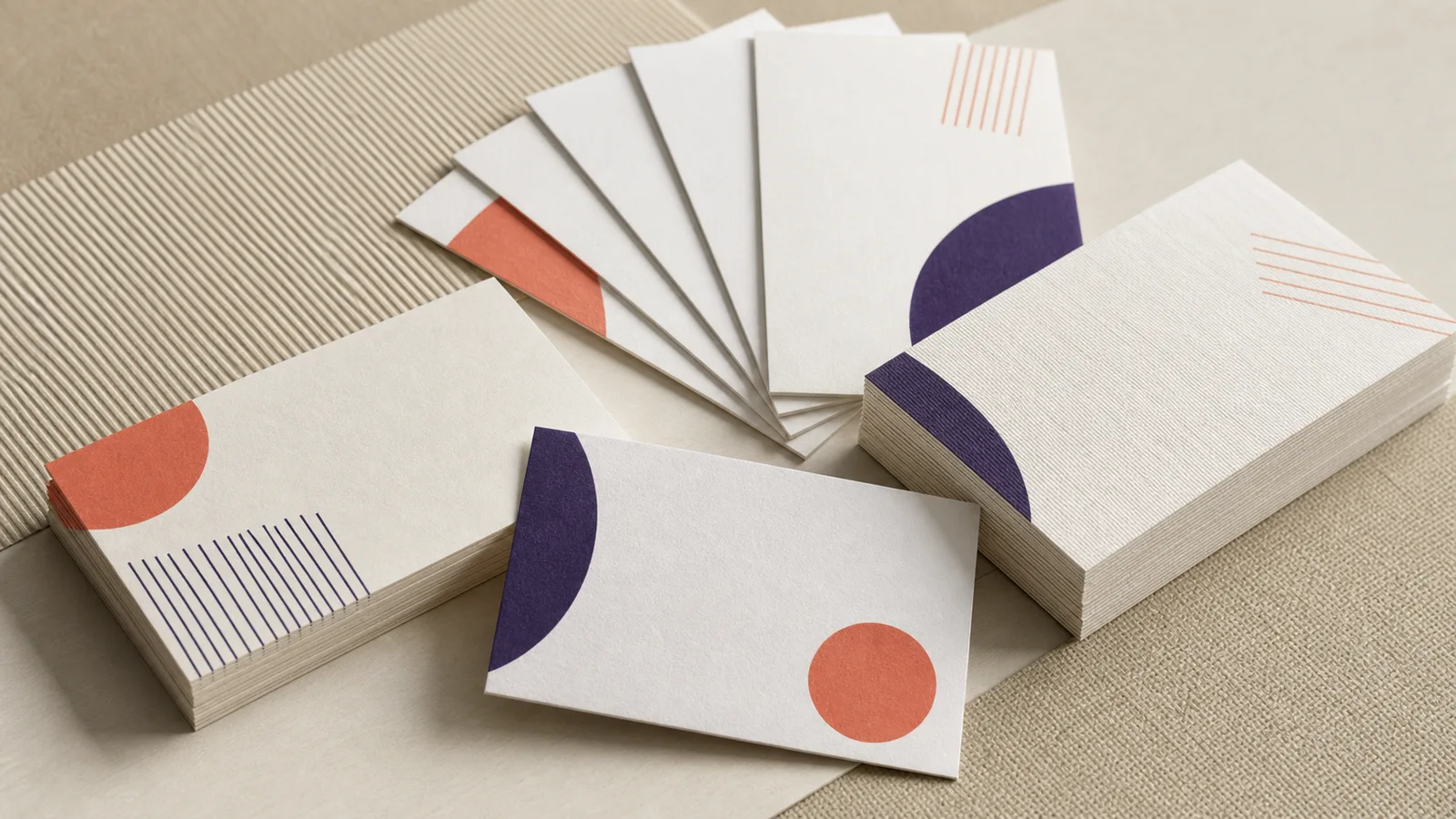
The two paper stocks at a glance
Natural card · white 300 g
A calm paper appearance with little reflection. It works well with restrained colour, typography, and a natural brand style.
Card · slightly glossy, white 350 g
A little heavier with a subtle sheen. A good choice when colour and imagery should feel more vivid.
Choose size and print sides
55 × 85 mm
A familiar compact format that fits easily in a wallet or card holder.
50 × 90 mm
Slightly longer and narrower; useful when your design needs more horizontal space.
Single- or double-sided
Use the reverse for extra contact details, a QR code, or a short explanation without crowding the front.
Finishing without surprises
Rounded corners give the card a softer shape. Laminate adds a protective layer; the configurator lets you apply it to the front or to both sides.
Prepare your artwork
- Set up the file at the chosen final size and preferably supply it as a PDF.
- Add 3 mm bleed on every side when colour or artwork runs to the edge.
- Keep important text and logos at least 5 mm away from the trim edge.
- Use CMYK where possible and aim for images around 300 dpi at final size.
Keep reading
More print guides
From guidance to print
Configure your business cards
Choose your options, see the price immediately, then supply your artwork.