A7 flyer printing
Print A7 flyers in 74 × 105 mm for a discount code, small card or message that should be clear at a glance.
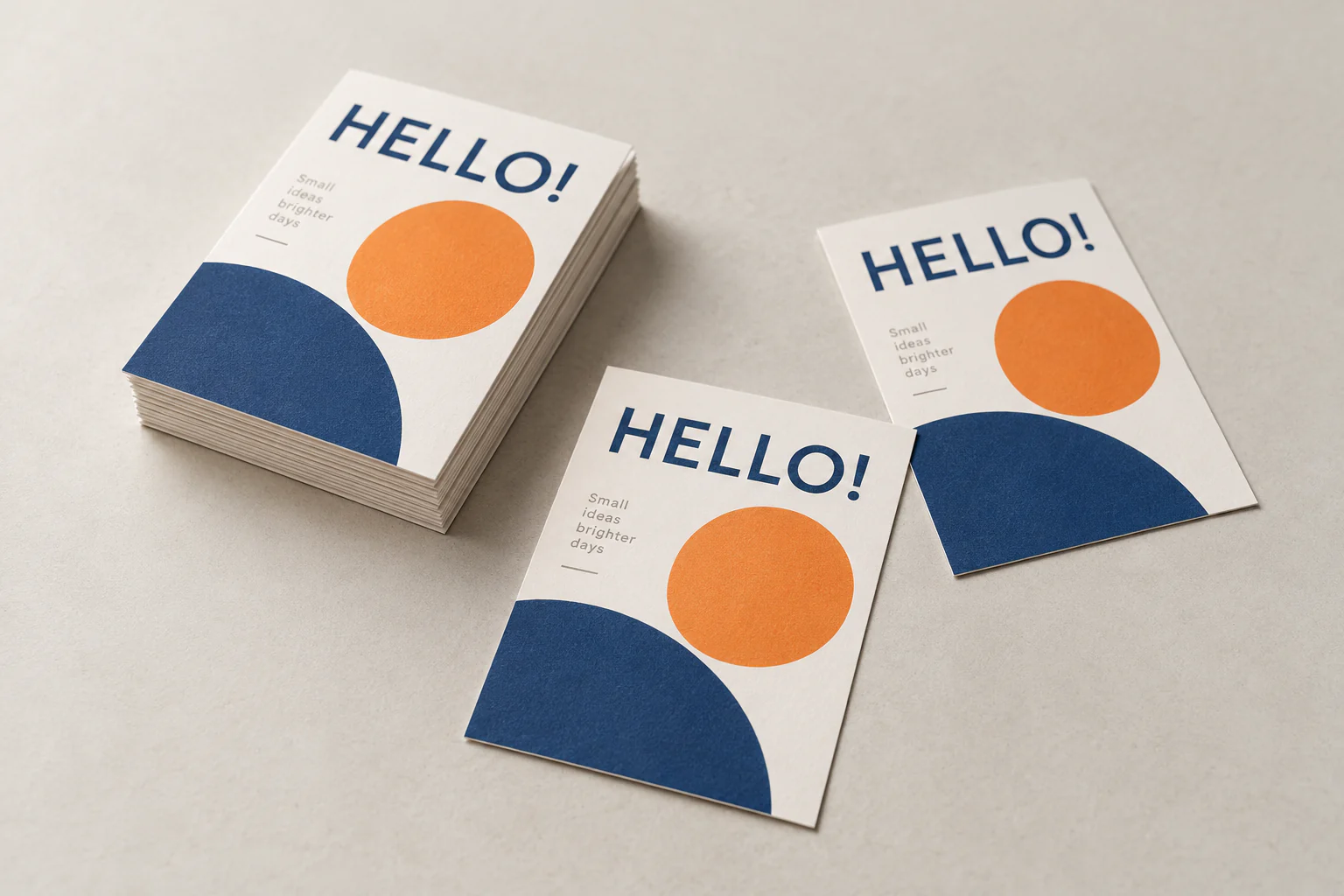
The smallest standard size
A7 is half the size of A6 and calls for a simple layout: one main message, limited imagery and a short call to action. This keeps the small flyer readable.
Open the configurator with A7 preselected and match paper, single- or double-sided printing, colour and quantity to your artwork.
When to use a a7 flyer
- Discount code or voucher
- Small product insert
- Short reminder
Options in the flyer configurator
Size and printing
74 × 105 mm is preselected. Then choose colour or black and white and single- or double-sided printing.
Paper and polyester
Choose white paper at 80, 100, 160 or 250 gsm, glossy off-white 170 gsm, white natural card 300 gsm, slightly glossy white card 350 gsm or polyester at 125 or 350 µm. For polyester, µm indicates thickness, not paper weight.
Prepare your flyer artwork
Preferably work in PDF at the selected finished size. Add 3 mm bleed when artwork reaches the edge, keep text and logos at least 5 mm inside the trim line and use images of at least 300 DPI at finished size.
Current price and production schedule
Price and timing depend on your selected size, quantity, paper, printing, document checking and delivery. View the current result for your configuration in the configurator.
Configure your a7 flyerFrequently asked questions about a7 flyer printing
What are the dimensions of an A7 flyer?
An A7 flyer has a finished size of 74 × 105 mm, half the size of A6.
Can I print in colour and black and white?
Yes. In the configurator you can choose colour or black and white, plus single- or double-sided printing.
Which paper stocks and materials can I choose?
Choose white paper at 80, 100, 160 or 250 gsm, glossy off-white 170 gsm, white natural card 300 gsm, slightly glossy white card 350 gsm or polyester at 125 or 350 µm. For polyester, µm is the thickness in micrometres.
How should I supply my flyer artwork?
Preferably supply a PDF at the selected finished size. Add 3 mm bleed where artwork reaches the trim, keep important content at least 5 mm inside the trim line and use images of at least 300 DPI at finished size.
Where can I see the current price and schedule?
Open the configurator and choose quantity, paper, printing, delivery and optional document checking. It calculates the current price and production schedule for your configuration.