DIN long flyer printing
Print DIN long flyers in the slim 99 × 210 mm format for a step-by-step guide, price list or mailing insert.
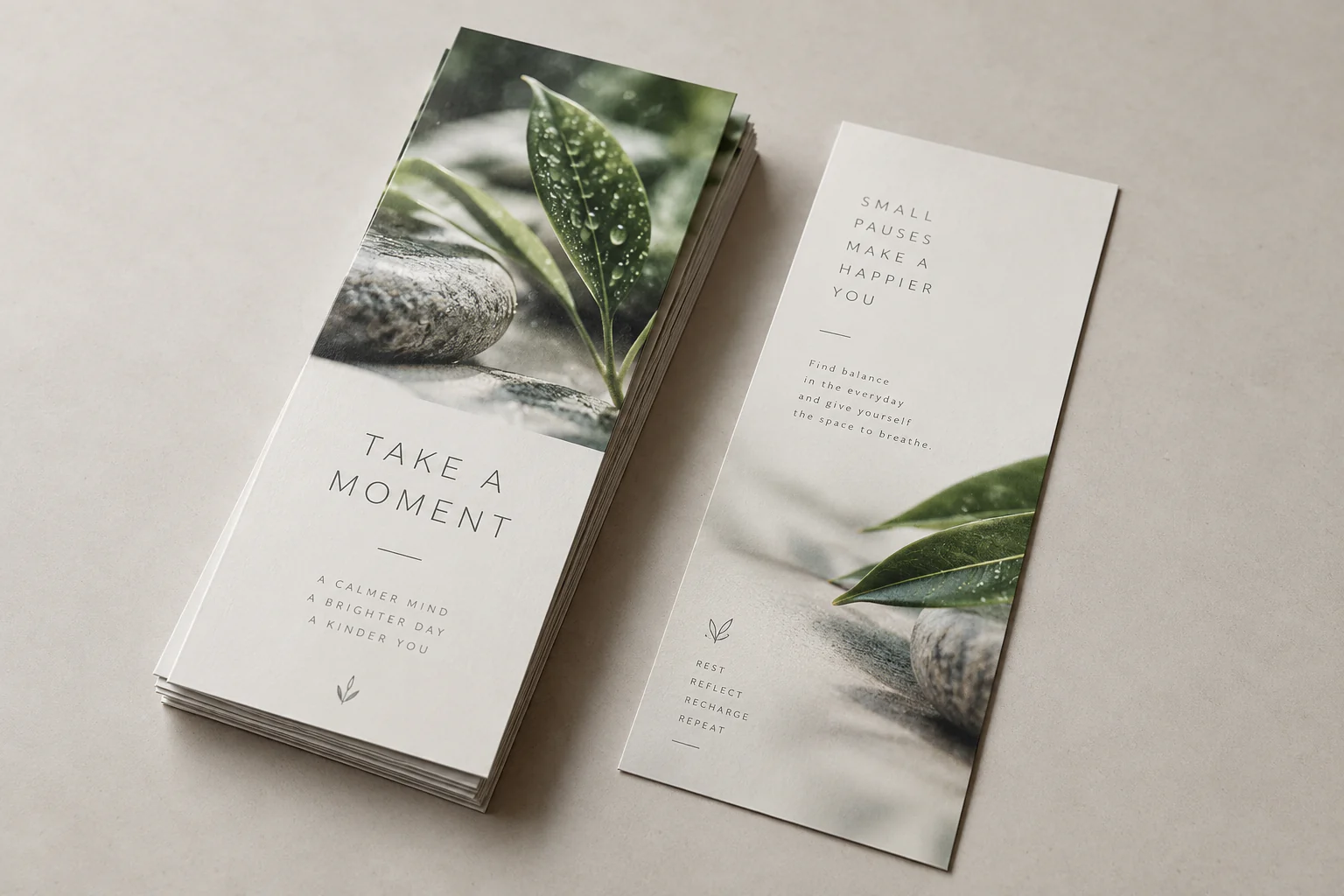
A slim vertical layout
DIN long is noticeably narrower than A5 and gives you room to arrange information vertically. It suits short steps, a list of options or a compact timeline.
The 99 × 210 mm size is ready in the configurator. Choose paper, colour or black and white, single- or double-sided printing, quantity and delivery there.
When to use a din long flyer
- Price list or menu overview
- Step-by-step guide or programme
- Mailing insert
Options in the flyer configurator
Size and printing
99 × 210 mm is preselected. Then choose colour or black and white and single- or double-sided printing.
Paper and polyester
Choose white paper at 80, 100, 160 or 250 gsm, glossy off-white 170 gsm, white natural card 300 gsm, slightly glossy white card 350 gsm or polyester at 125 or 350 µm. For polyester, µm indicates thickness, not paper weight.
Prepare your flyer artwork
Preferably work in PDF at the selected finished size. Add 3 mm bleed when artwork reaches the edge, keep text and logos at least 5 mm inside the trim line and use images of at least 300 DPI at finished size.
Current price and production schedule
Price and timing depend on your selected size, quantity, paper, printing, document checking and delivery. View the current result for your configuration in the configurator.
Configure your din long flyerFrequently asked questions about din long flyer printing
What are the dimensions of a DIN long flyer?
A DIN long flyer has a finished size of 99 × 210 mm.
Can I print in colour and black and white?
Yes. In the configurator you can choose colour or black and white, plus single- or double-sided printing.
Which paper stocks and materials can I choose?
Choose white paper at 80, 100, 160 or 250 gsm, glossy off-white 170 gsm, white natural card 300 gsm, slightly glossy white card 350 gsm or polyester at 125 or 350 µm. For polyester, µm is the thickness in micrometres.
How should I supply my flyer artwork?
Preferably supply a PDF at the selected finished size. Add 3 mm bleed where artwork reaches the trim, keep important content at least 5 mm inside the trim line and use images of at least 300 DPI at finished size.
Where can I see the current price and schedule?
Open the configurator and choose quantity, paper, printing, delivery and optional document checking. It calculates the current price and production schedule for your configuration.