63 mm round sticker printing
Print 63 mm round stickers for logos, packaging and short messages. The configurator opens with 63 mm round prefilled. Then choose material, quantity, cutting method and artwork checking and review the current price and timing.
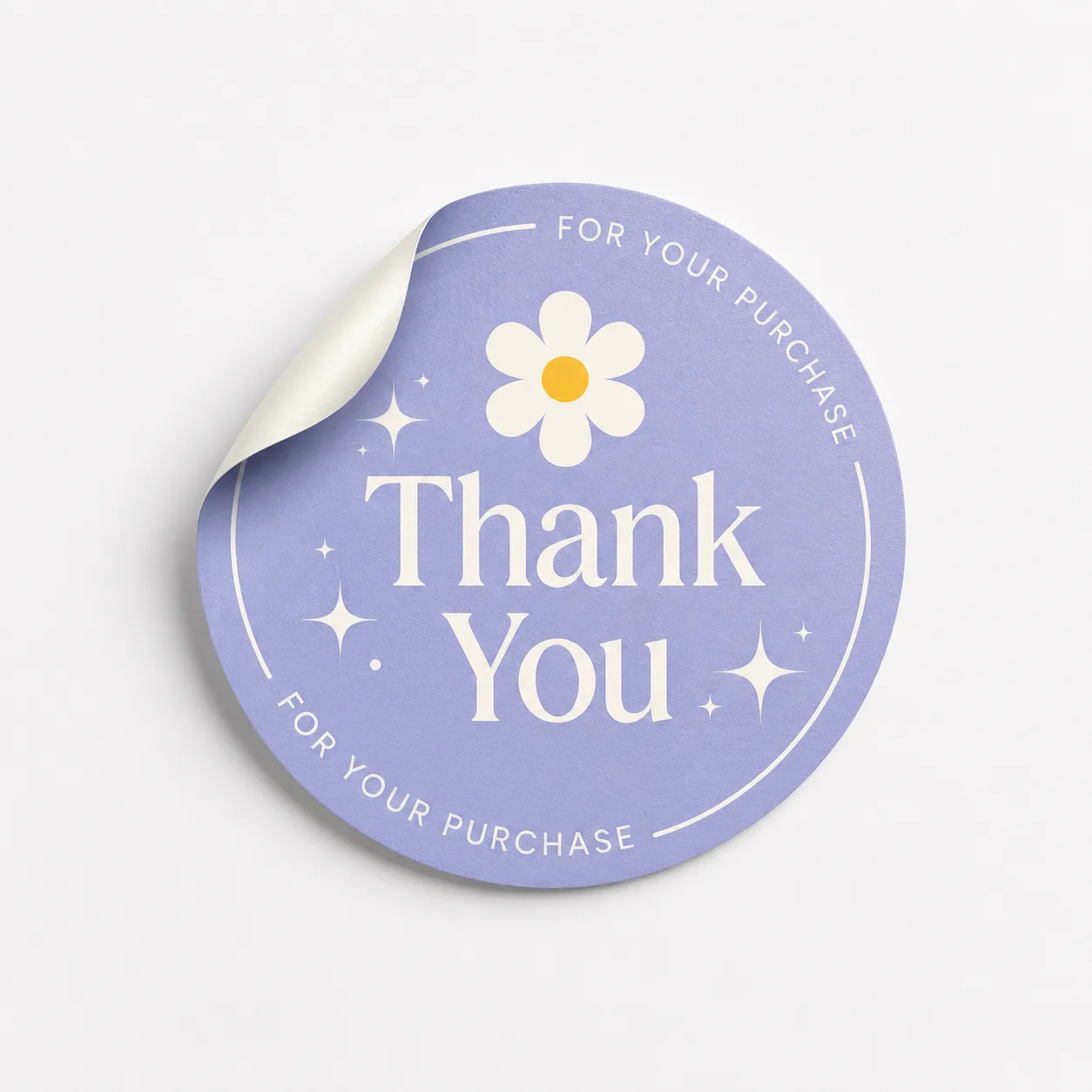
Designed for logos, packaging and short messages
A 63 mm round sticker balances a practical size with room for a logo, short message or illustration. Use the circle for a central logo with a short curved line of text, or one illustration with sufficient clear space around it.
63 mm is preselected. Compare 30 mm for a small seal or 90 mm for more text and image space.
Choose material and cutting
Choose a permanent matt or permanent transparent sticker. Matt gives a calm appearance; transparent leaves the underlying surface visible. Have the sticker layer cut on a sheet or choose separate pieces with a peel edge.
Supplying your sticker artwork
- Size: 63 mm round is prefilled; check the dimensions in the configurator.
- Cut line: keep text, logos and other important elements at least 2 mm inside the cut line.
- File: preferably use a PDF and inspect the artwork and dimensions in the automatic preview.
- Images and colour: for the best result, use images of at least 300 DPI and supply CMYK artwork where possible.
63 mm round sticker with a current schedule
Size, quantity, number of designs, material, cutting method, artwork checking and delivery determine the price and schedule. Check the calculated result for pickup in Almere or shipping before ordering.
Configure your 63 mm round stickersFrequently asked questions about 63 mm round stickers
How can I use a 63 mm round sticker?
A 63 mm round sticker balances a practical size with room for a logo, short message or illustration. Use the circle for a central logo with a short curved line of text, or one illustration with sufficient clear space around it.
Which size can I choose?
63 mm round is prefilled on this page. You can then choose the remaining sticker options in the configurator.
Which sticker materials are available?
Choose a permanent matt or permanent transparent sticker. Matt gives a calm appearance; transparent leaves the underlying surface visible.
What is the difference between sheet cutting and separate pieces?
Sheet cutting keeps several stickers together for peeling from one sheet. Separate cutting supplies individual stickers with a peel edge.
How should I supply my sticker artwork?
Preferably use a PDF, keep important elements 2 mm inside the cut line and use 300 DPI and CMYK where possible. Then check the preview.
Where can I see price and timing?
The configurator calculates the current price and schedule after your choices for size, quantity, designs, material, cutting method, artwork checking and delivery.