Newsletter printing
Print a newsletter for updates from an association, school, team or project. Arrange news, dates, photographs and contact details across loose pages, then choose the production options in the configurator.
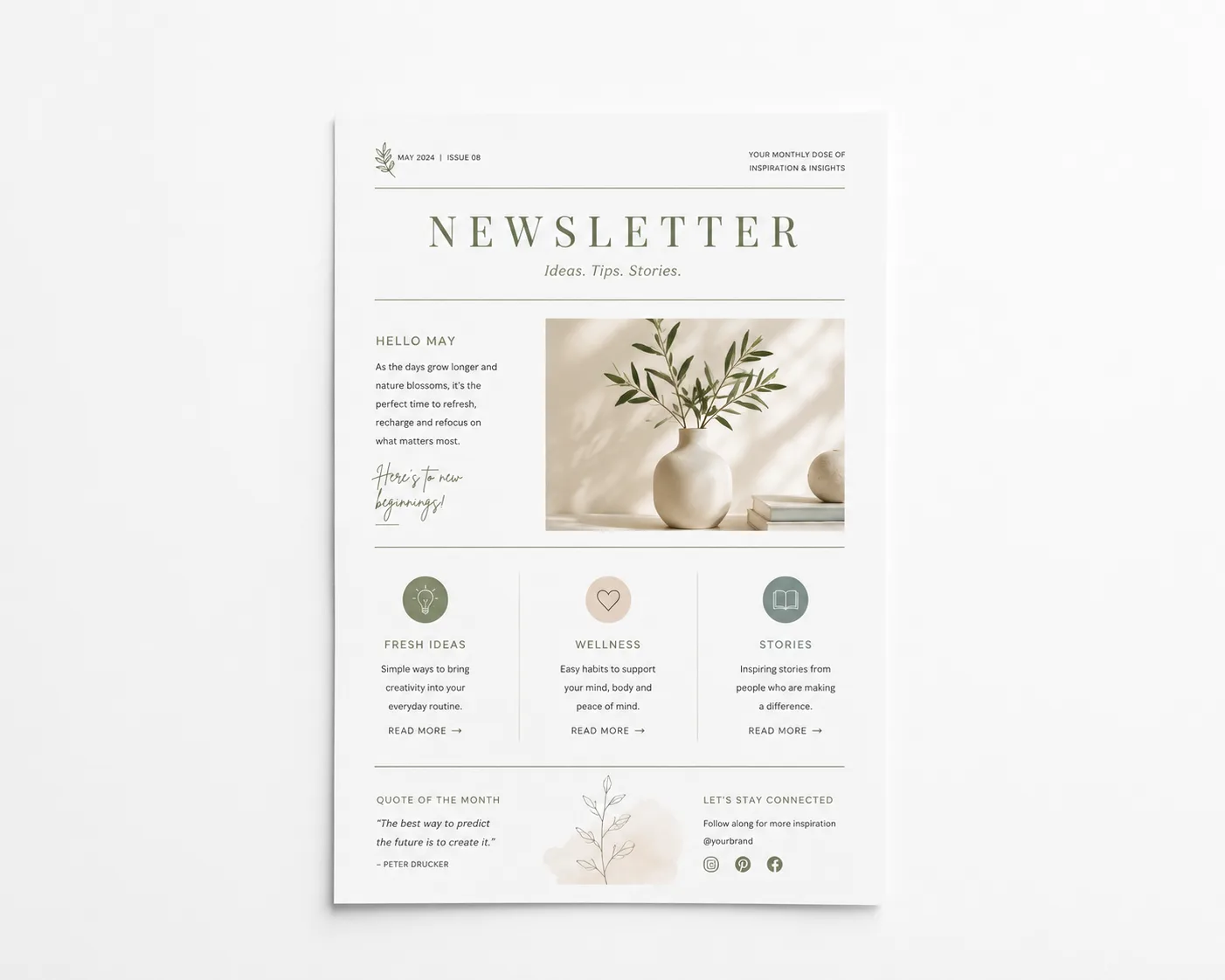
Build your newsletter around the content
Use a clear sequence for the title, short updates, calendar and contact details. Check names, dates, page numbers and references before ordering, then use the print preview to review text and images at the final size.
Choose A6 or A5 for a compact edition, A4 or A3 for more room, or set a custom rectangular size from 80–310 mm wide and 60–440 mm high. This page does not preselect a size; the configurator validates the selected dimensions.
Choose paper and printing for your newsletter
Choose from twelve paper and material options: standard white 80 gsm, firm white 100 gsm, extra firm white 160 gsm, glossy off-white 170 gsm, very firm white 250 gsm, white natural card 300 gsm, slightly glossy white card 350 gsm, Old Dutch off-white 300 gsm, Linen pressing bright neutral white 300 gsm, Pearl luxury white 300 gsm, Polyester 125 µm and Polyester 350 µm. Print in black-and-white or colour and on one or both sides. Double-sided printing needs a file with at least two pages; check the reading order in the preview. Order loose sheets or, with a compatible A4 configuration, a stapled set and optionally choose rounded corners when that combination is available. An advanced document check can be selected when it is available for your configuration.
Check your newsletter before printing
- File and pages: preferably upload a PDF. Multiple files are combined; after upload, check the confirmed total page count and reading order.
- Layout at final size: review headings, body text, page numbers, images and contact details at the selected size in the preview.
- Safety margin: keep text, page numbers and other important elements at least 5 mm inside the cut line.
- Resolution and colour: supply photographs and illustrations at final size with a minimum resolution of 300 DPI and use CMYK when printing in colour.
See the current schedule for your newsletter
Pages, quantity, paper, size, printing, finishing and delivery together determine the schedule. The configurator calculates the current options for pickup in Almere or shipping; check the displayed date before ordering.
Configure your newsletterFrequently asked questions about newsletter printing
Which sizes can I choose for a newsletter?
Choose A6, A5, A4 or A3. For a custom rectangular size, enter 80–310 mm wide and 60–440 mm high. The configurator validates the selected dimensions.
Which paper types are available for newsletters?
Choose from twelve paper and material options: standard white 80 gsm, firm white 100 gsm, extra firm white 160 gsm, glossy off-white 170 gsm, very firm white 250 gsm, white natural card 300 gsm, slightly glossy white card 350 gsm, Old Dutch off-white 300 gsm, Linen pressing bright neutral white 300 gsm, Pearl luxury white 300 gsm, Polyester 125 µm and Polyester 350 µm.
Can I print a newsletter on one or both sides?
Yes. Choose black-and-white or colour and one- or two-sided printing. Two-sided printing needs a file with at least two pages; check the reading order in the preview.
Can I upload several newsletter files in one order?
You can upload multiple files; they are combined for the page count. Check the confirmed total page count and reading order. Quantity is the number of identical copies of the combined set.
Which finishing options can I choose for a newsletter?
Choose loose sheets or a stapled set. For a stapled set, check the page order and keep important content clear of the stapled edge. Rounded corners and an optional advanced document check can be selected when these options are available for your configuration.
When will my printed newsletter be ready?
Timing depends on pages, quantity, paper, size, printing, finishing and delivery. The configurator shows the current schedule for pickup in Almere or shipping before you order.
PrintingHub.nl on Google
More than 100 public Google reviews for PrintingHub.nl. View the current reviews directly on Google.